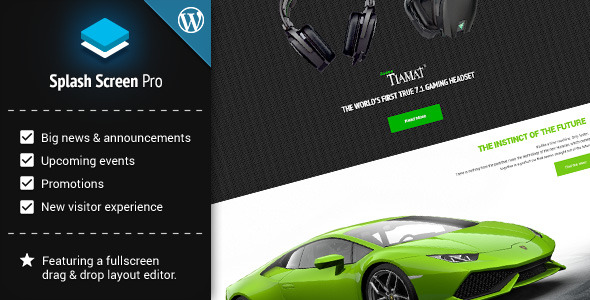

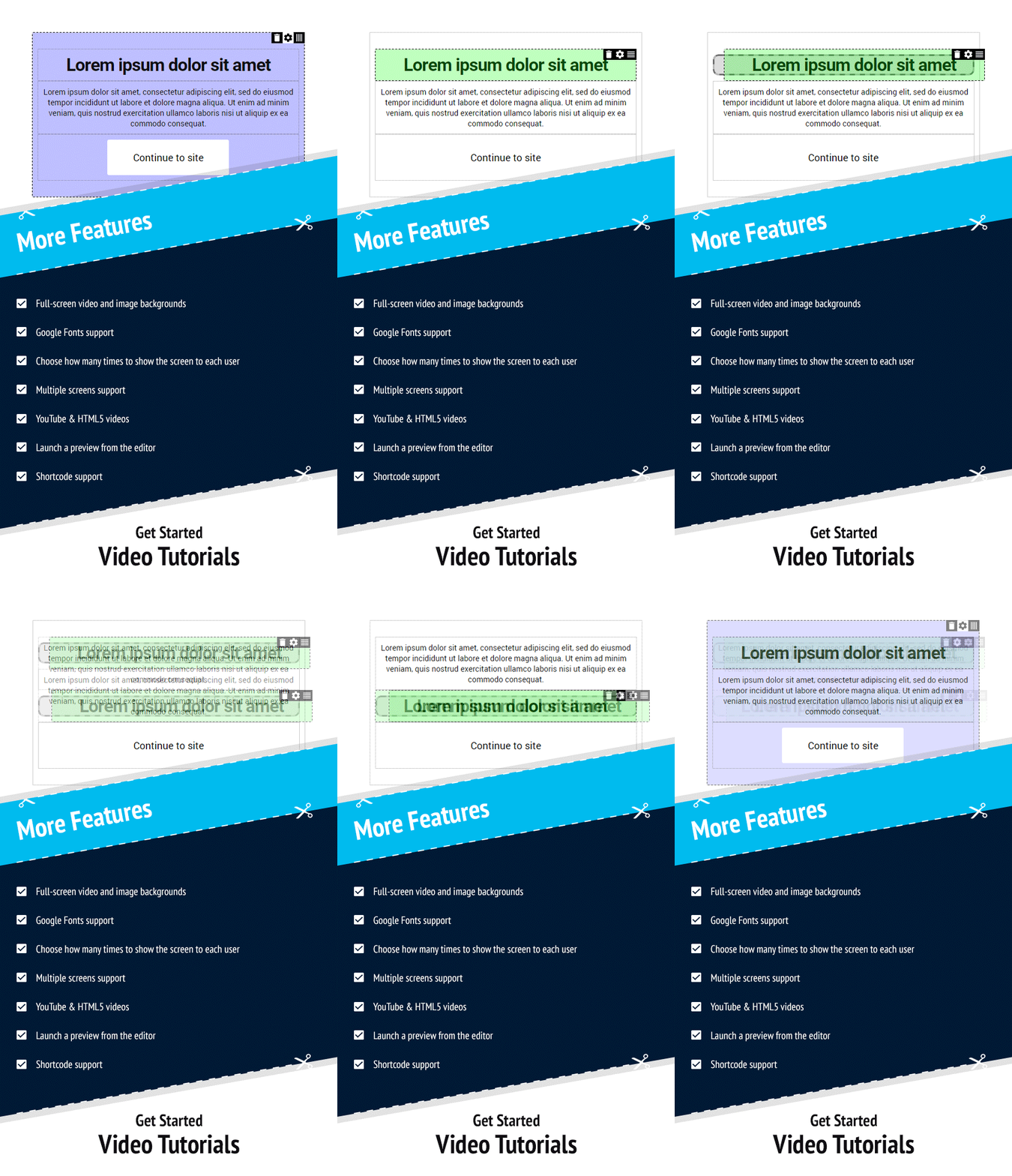







Every WordPress site owner faces the same challenge: how to grab a visitor’s attention the moment they land on the page. Whether you are launching a product, promoting a limited-time offer, or simply want to direct new users toward a specific action, the first impression is everything. Splash Screen Pro for WordPress is a premium plugin that equips you with a fully visual, drag-and-drop editor to create stunning overlay screens and age verification popups without writing a single line of code. It works out of the box with any theme, supports full-screen video and image backgrounds, and gives you granular control over display frequency and targeting. For site owners who need a professional, responsive splash screen that converts visitors into customers, this plugin delivers exactly that.
Key Features
- Drag-and-Drop Visual Editor — Build columns, rows, and complex layouts by simply moving elements around. No coding, no shortcode memorization. The editor is responsive, using a 12-column grid system similar to Bootstrap, ensuring your splash screen looks flawless on desktops, tablets, and phones.
- 7 Ready-Made Layout Presets — Jumpstart your design with pre-built templates. Choose a layout that matches your content, customize colors, fonts, and images, and publish in minutes.
- Full-Screen Video and Image Backgrounds — Support for YouTube videos, HTML5 videos, and high-resolution images. Add an automatic image fallback for HTML5 video backgrounds to ensure compatibility across all browsers.
- Google Fonts Integration — Access hundreds of Google Fonts directly from the editor. Match your splash screen typography with your brand identity seamlessly.
- Advanced Display Controls — Choose how many times each user sees the screen, which pages or posts trigger the overlay, or enable click-to-launch functionality so users can open the screen on demand via a link.
- Multiple Screen Support — Create and manage several distinct splash screens for different campaigns, seasonal promotions, or segmented audiences. Each screen can have its own rules.
- Shortcode and Preview Support — Embed splash screen content inside posts or pages using shortcodes. Preview your screen live from the editor before going public.
- Age Verification Ready — Built-in functionality for age-restricted content. Set which pages require verification and customize the design to fit your site.
Who Is This For? Use Cases
E-commerce Store Owners
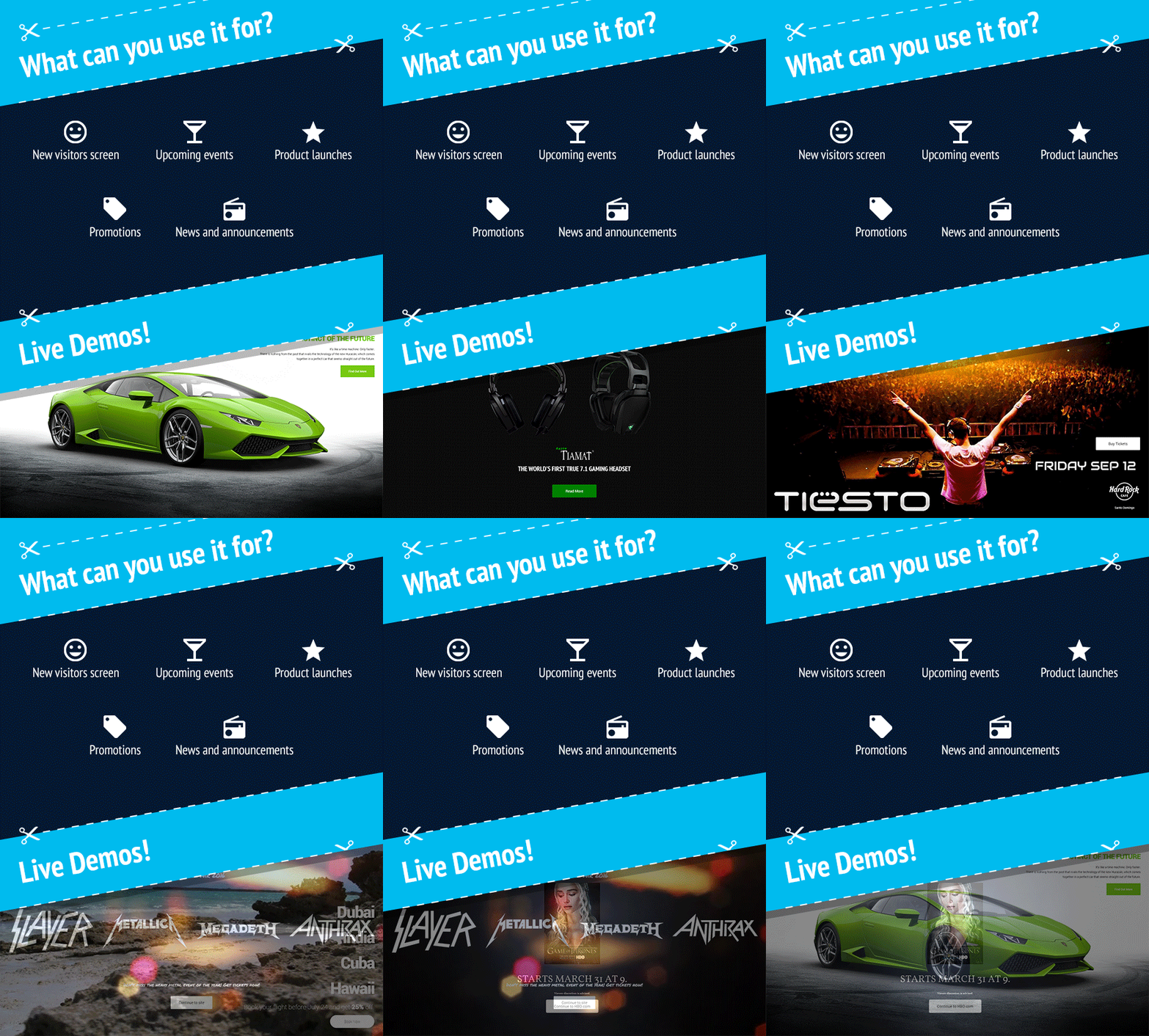
If you run a WooCommerce store or any online shop, Splash Screen Pro for WordPress is your secret weapon for boosting conversions. Use it to announce flash sales, coupon codes, or free shipping thresholds the moment a visitor lands. The display frequency controls ensure returning customers aren’t annoyed by repeated popups, while new visitors get an immediate call to action.
Product Launch Managers and Marketers
Launching a new digital product, course, or software? Create a hype-building splash screen that counts down to launch day, showcases a teaser video, and collects email addresses. The full-screen video background capability makes your launch page feel cinematic and professional.
Event and Conference Organizers
Promote upcoming webinars, live streams, or in-person events with a custom overlay. Include registration buttons, event dates, and speaker photos. The responsive design ensures mobile attendees see the same polished experience.
Content Creators and Bloggers
Use the news and announcements screen to highlight a new blog post series, a podcast episode, or a downloadable lead magnet. The shortcode support lets you embed the screen inside specific articles without affecting the rest of your site.
Adult Content and Age-Restricted Sites
Compliance is critical. The built-in age verification screen lets you block underage users with a polished, custom overlay. You can target specific pages or the entire site, and choose the wording and design to match your brand.
Technical Details & Compatibility
Splash Screen Pro for WordPress was built to integrate seamlessly with standard WordPress installations. The plugin uses a 12-column responsive grid system, ensuring your splash screens render correctly on all modern browsers including Chrome, Firefox, Safari, and Edge. It supports YouTube videos, HTML5 video backgrounds, and high-resolution images with automatic fallback mechanisms. The drag-and-drop editor is self-contained and does not require external page builders like Elementor or WPBakery, making it lightweight and independent. The latest version (1.3.8) was updated on February 5, 2015, and includes uncompressed script files for debugging. Compatibility with PHP versions (including older builds) was improved in earlier updates. The plugin also integrates with the WordPress dashboard for easy debugging and file management.
Pros and Cons
Pros
- True code-free design — The drag-and-drop editor is intuitive and requires zero technical skill. You can build complex layouts in minutes.
- Powerful targeting options — Control exactly when and how often the screen appears, including page-level exclusions and click-to-launch links.
- Mobile responsive — The grid system automatically adjusts to any screen size, so your splash screens look great on phones and tablets.
- Multiple screen management — Run several campaigns simultaneously without conflicts. Each screen has its own settings and rules.
- Age verification ready — A built-in feature that many competitors charge extra for or force you to build yourself.
- Video and multimedia support — Full-screen YouTube and HTML5 videos make for immersive, engaging overlays that static popups cannot match.
- Shortcode integration — Embed splash screen content inside posts, pages, or custom post types, giving you added flexibility.
Cons
- Last update was in 2015 — The latest version is nearly a decade old. While the plugin may still function on modern WordPress installations, it does not guarantee compatibility with the latest PHP versions or Gutenberg blocks. You should test thoroughly before deploying on a production site.
- No built-in analytics — The plugin does not track how many users interacted with the screen, clicked a button, or closed it. You will need to rely on external tools like Google Analytics or event tracking.
- Limited support for third-party integrations — There is no direct integration with email marketing platforms like Mailchimp or ConvertKit. You will need to manually add forms or links.
- Minimal template library — With only 7 layout presets, you may find the design options limited compared to modern popup builders that offer dozens of templates.
Frequently Asked Questions
Is Splash Screen Pro for WordPress compatible with WooCommerce?
Yes. The plugin works independently of WooCommerce and can be displayed on any page, including product pages, cart pages, and checkout pages. You can use the page-level targeting feature to show a splash screen specifically on WooCommerce shop pages or product categories. However, there is no direct integration with WooCommerce hooks or cart data, so the screen will not dynamically display based on cart contents unless you manually code that logic.
Does the plugin include customer support?
Yes. The developer, WebCraft Plugins, offers support through their dedicated support portal at webcraftplugins.com/support. Customers who purchase the plugin from CodeCanyon also have access to the item’s comment section for community and developer responses. Since the plugin is older, response times may vary, but the developer has a history of providing updates and fixes for reported bugs.
Can I show different splash screens to new visitors versus returning users?
Yes, to a limited degree. The plugin includes a frequency control that lets you set how many times the screen is shown to each user. For example, you can configure it to show only on the first visit, or three times total, then never again. For more advanced segmentation (e.g., logged-in vs logged-out users), you would need to combine the plugin with a membership plugin or custom code.
Final Verdict
Splash Screen Pro for WordPress remains a capable and easy-to-use tool for creating professional overlay screens and age verification popups. Its standout strength is the drag-and-drop visual editor that lets you build complex, video-rich layouts without touching code. For website owners who need a straightforward solution for product launches, event announcements, or age-restricted content, this plugin gets the job done with minimal fuss. The version history shows a developer who actively fixed bugs and added requested features like shortcode support and home-page filtering, which speaks well to the plugin’s reliability. However, the lack of updates since 2015 is a real concern for modern WordPress environments. If you are running a legacy site or a carefully controlled hosting setup, this plugin can still deliver excellent value. For cutting-edge compatibility and advanced integrations, you may want to explore newer alternatives. But if you want a proven, no-frills splash screen builder that works out of the box, try Splash Screen Pro for WordPress today and give your visitors a first impression that actually drives action.